

❪ WEB DEVELOPMENT ❫
Build a Website
That
Does its Job
A business website needs to do more than look finished.
It should explain what you do, help people find the right information, work across devices, and make the next step easy to understand.
Our web development process starts with what the business needs the website to accomplish.
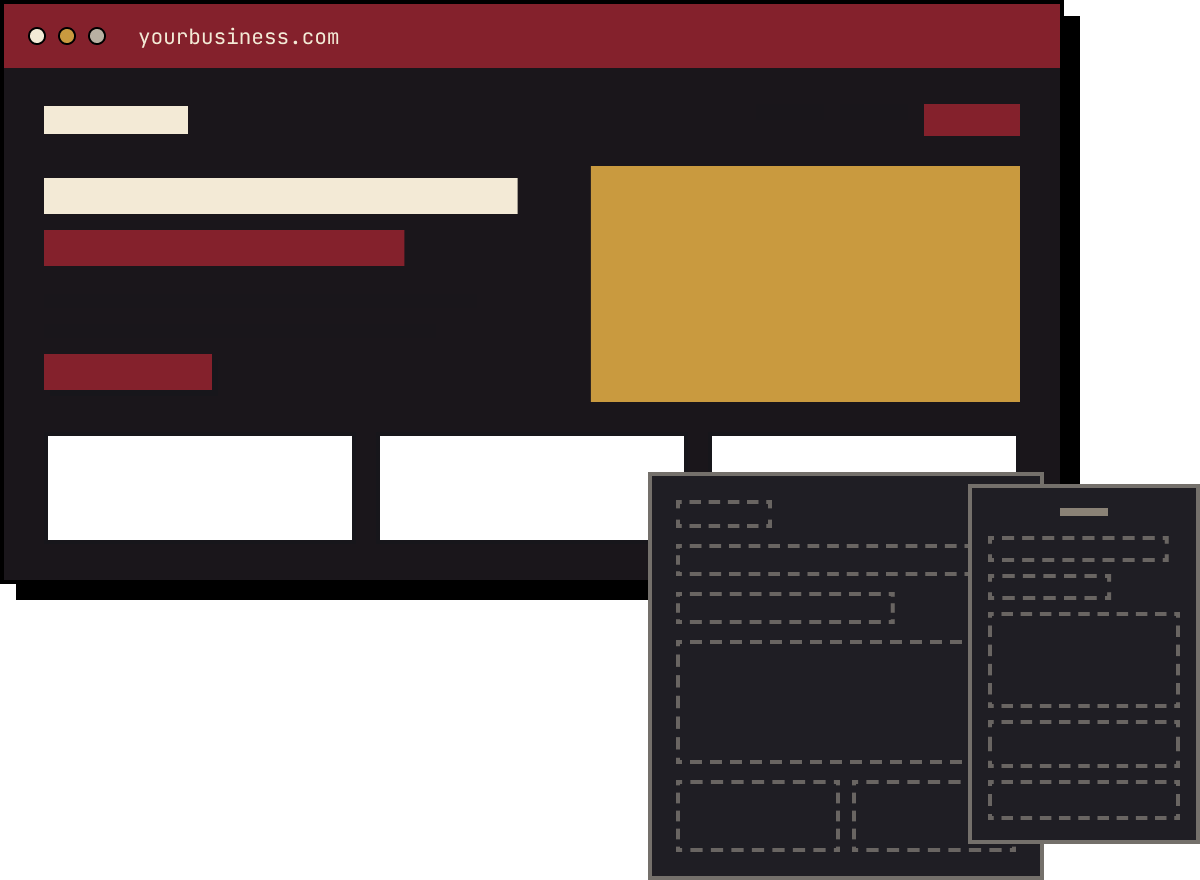
01 WIREFRAME
02 DESIGN
03 RESPONSIVE BUILD
❪ START HERE ❫
What is Web Development?
Web development turns a website plan and design into a functioning website.
It can include page construction, navigation, responsive layouts, forms, content management, interactive features, technical setup, integration, testing, and launch work.
WEB DESIGN ASKS
What should the experience look like?
WEB DEVELOPMENT ASKS
How should it work?
Those questions overlap throughout a website project.
A polished layout isn't enough if the finished site is difficult to navigate, hard to update, or missing functionality the business needs.
01
PLAN
What does the website need to accomplish?
02
DESIGN
How should people move through it?
03
DEVELOP
How do we make it work?
❪ BEFORE THE BUILD ❫
Start With the Business
Before anyone builds a page, define what the website needs to do.
CONTRACTOR
May need estimate requests.
RESTAURANT
May need menus, hours, reservations, and directions.
PROFESSIONAL SERVICE
May need to explain a complicated service clearly enough for someone to decide whether to make contact.
EVENT
May need schedules, registration, location details, and sponsor information.
Those websites have different jobs. Building them from the same checklist wouldn't make much sense.
Q1
WHAT DOES THE BUSINESS SELL?
Q2
WHO IS THE WEBSITE FOR?
Q3
WHICH SERVICES MATTER MOST?
Q4
WHAT DO CUSTOMERS NEED TO UNDERSTAND?
Q5
WHAT SHOULD THEY DO NEXT?
Q6
WHAT ISN'T WORKING ON THE CURRENT SITE?
The answers shape the structure, content, functionality, calls to action, and design.
❪ WHAT GETS BUILT ❫
The Pieces Need to Work Together
PIECE 1
Site Structure
Decide which pages actually need to exist.
THAT MIGHT INCLUDE
Major services
About information
Locations or service areas
Projects or success stories
Resources
FAQs
Contact information
Not every keyword needs its own page. Not every service belongs on the homepage.
PIECE 2
Responsive Development
Plan how the site changes as the screen gets
smaller.
THAT INCLUDES
Navigation
Content stacking
Images
Spacing
Headlines
Calls to action
Mobile shouldn't feel like somebody simply squeezed the desktop version.
PIECE 3
Content Management
Businesses change. Services get added. Photos
change. Team information changes. New projects
need to be published.
The content-management setup should match who will update the website and what they need to change.
PIECE 4
Forms + Customer Actions
The next step should be clear.
DEPENDING ON THE BUSINESS
Call
Request a quote
Submit a form
Book
Reserve
Register
Purchase
Visit
If quote requests matter, don't make people hunt for the quote form.
PIECE 5
Functionality + Integrations
Depending on the project, the website may need:
POSSIBLE NEEDS
Contact forms
Booking connections
Reservation systems
Email signups
Maps
Analytics
Third-party tools
Don't add a feature because it makes the proposal look impressive. Add it because the business has a use for it.
PIECE 6
Ongoing Updates
Launch isn't the last time the website changes.
Decide how services, projects, photos, hours, staff information, and other important content will stay current.
❪ WHAT GETS BUILT ❫
From Business Goal to Working Website
01
DISCOVERY
Define what the business does, who the website is for, what needs to change, and what the site needs to accomplish.
02
STRUCTURE
Plan the main pages, navigation, content requirements, and important customer paths.
03
CONTENT + DESIGN
Prepare the information and approved visual direction required for development.
04
DEVELOPMENT
Build the pages, responsive layouts, forms, functionality, and approved integration.
05
TESTING
Check links, forms, mobile behavior, content, important pages, redirects, tracking, and required functionality.
06
LAUNCH
Move the approved website into its live environment and complete the agreed launch checks.
07
KEEP IT CURRENT
Update the site as the business changes.
TESTING CHECKS
The homepage loading isn't the whole test.
✓ LINKS
✓ FORMS
✓ MOBILE BEHAVIOR
✓ CONTENT
✓ IMPORTANT PAGES
✓ REDIRECTS
✓ TRACKING
✓ REQUIRED FUNCTIONALITY
❪ WHY LOCK IN DIGITAL ❫
Start With What the Website Needs to Accomplish
Website projects can collect unnecessary features quickly.
Another animation.
Another plugin.
Another section because somebody saw it somewhere else.
// THE BETTER STARTING POINT
What does the business need this website to do?
That question gives the structure, content, design, development, SEO, and customer actions the same direction.
The website also needs to make sense alongside the rest of the marketing. Someone may arrive through:
SEARCH
SOCIAL MEDIA
AN AD
AN EMAIL
ANOTHER PAGE
YOUR WEBSITE
When they get there, the business should still be easy to understand.
❪ BUILT FOR REAL BUSINESSES ❫
SEE THE WORK
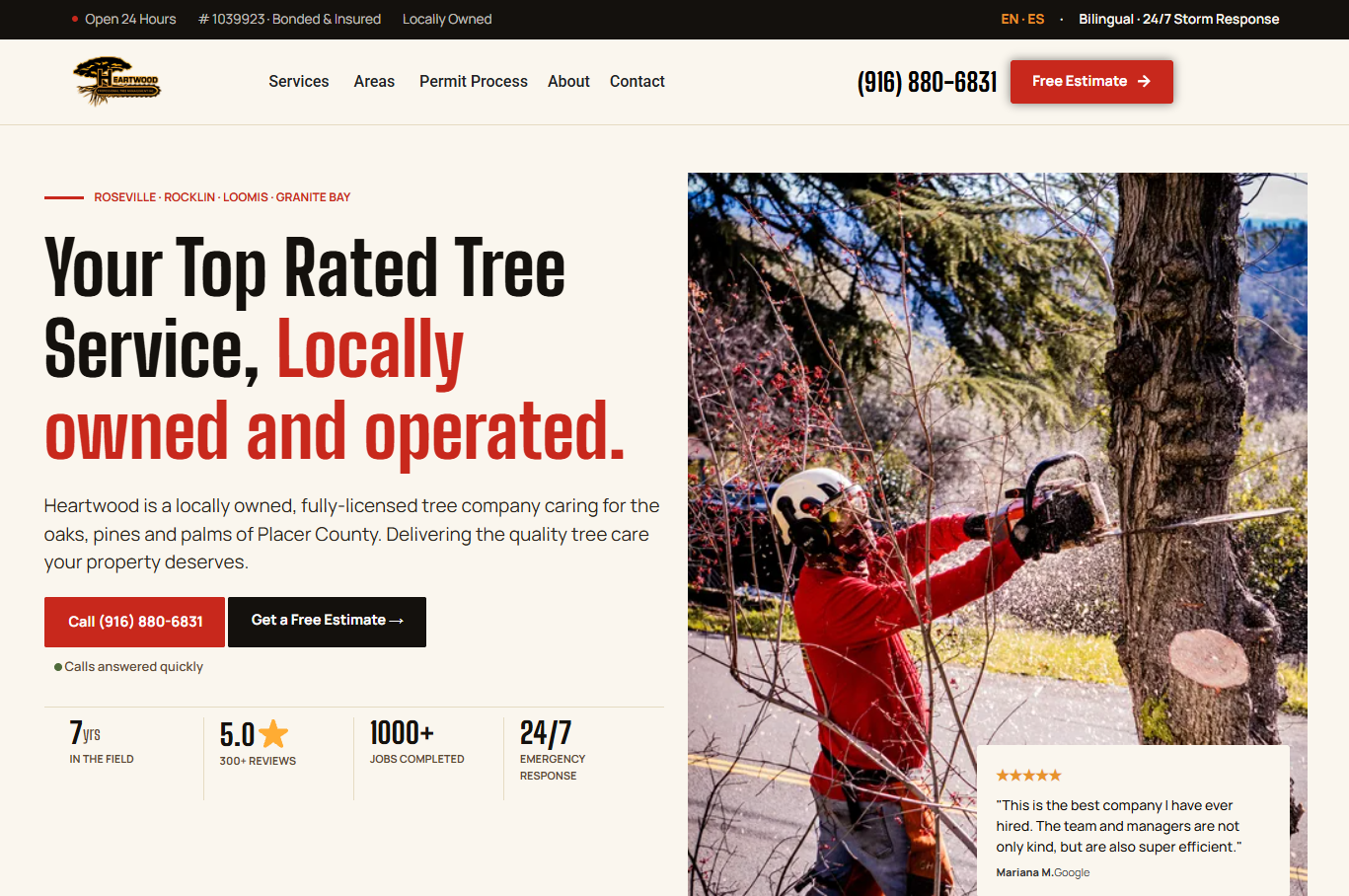
Heartwood Professional Tree Management
+246%
Increase in Generative AI Visibility
Within 38 days of launching the new website, visibility in generative AI results increased 246%, with average daily impressions growing 3.5x.
VIEW SUCCESS STORY →
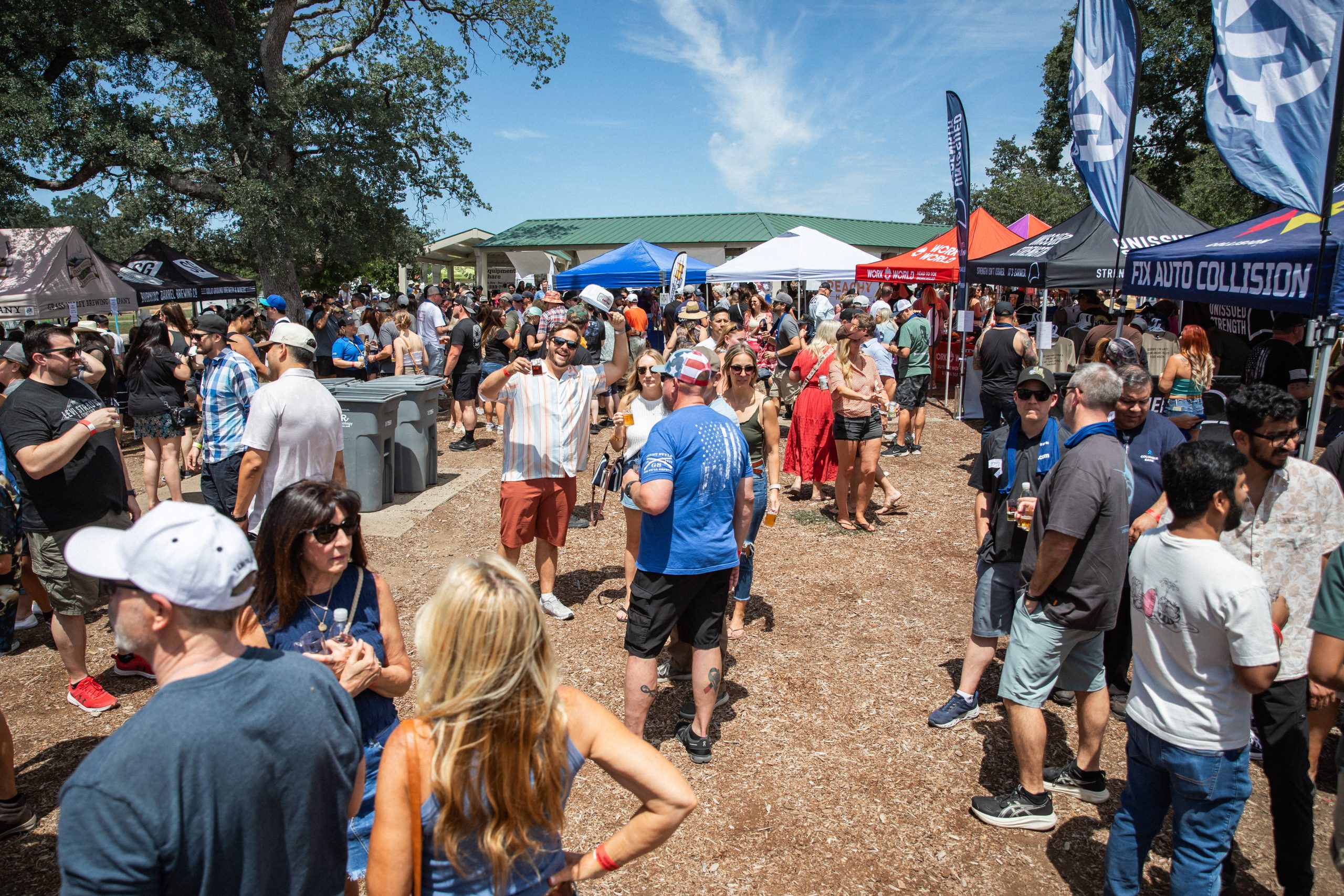
Rocklin Brewfest
+72.89%
Increase in Gross Revenue
After partnering with Lock In Digital, Rocklin Brewfest increased gross sales by over 40% in the first year and nearly 73% by 2026.
VIEW SUCCESS STORY →
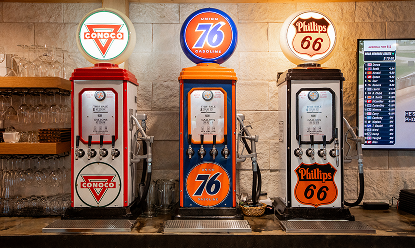
Penryn Grill
+241%
Marketing ROI
By combining local SEO, engaging social content, and mouthwatering visuals, we helped Penryn Grill attract more local diners, increase online visibility, and drive real foot traffic to the restaurant.
VIEW SUCCESS STORY →
❪ FREQUENTLY ASKED QUESTIONS ❫
Web Development FAQs
What Is Web Development?
Web development turns a website plan and design into a functioning website. Depending on the project, it can include page construction, responsive layouts, navigation, forms, content management, technical setup, integrations, testing, and launch work.
What's the Difference Between Web Design and Web Development?
Web design focuses more heavily on the site's visual experience and how information is presented. Web development builds the approved layouts and required functionality. The two overlap throughout a website project.
How Much Does Web Development Cost?
There isn't one price that applies to every website. A small informational website and a project requiring more pages, integrations, content work, migration, or custom functionality have different scopes. Compare what's included before comparing totals.
How Long Does Web Development Take?
The timeline depends on the size of the website, content readiness, functionality, feedback, approvals, migration needs, and other project requirements. A realistic timeline should come from the actual project scope.
Do I Need a New Website or Can My Existing Site Be Improved?
It depends on what's wrong with the current website. Some sites need focused changes. Others have enough structural, content, technical, or usability problems that a larger rebuild makes more sense. Review the current site before deciding.
Does a New Website Automatically Improve SEO?
No. A new design doesn't guarantee stronger organic search visibility. SEO planning still needs to account for content, URLs, site structure, internal links, redirects, metadata, and other relevant parts of the project.
Will My Website Work on Mobile?
Responsive behavior should be planned and tested as part of development. That includes navigation, spacing, forms, buttons, images, content order, and calls to action.
Can I Update the Website After Launch?
That depends on the site's content-management setup and project scope. Decide who needs to update the website and what they need to change before choosing how those controls should work.